01 / LISTEN
Follow the voice
Compares the synchronized speaker tracks locally and favors the camera for the person who’s talking.
For Adobe Premiere Pro · macOS
Podcast-AutoEditor follows who’s speaking and shapes your synced multicamera sequence into a thoughtful first edit—right on your Mac.
Less timeline housekeeping
Start with synchronized camera and audio tracks. Podcast-AutoEditor listens for the active speaker, then helps turn the conversation into an edit that feels considered.
01 / LISTEN
Compares the synchronized speaker tracks locally and favors the camera for the person who’s talking.
02 / SHAPE
Natural pacing holds on a speaker through quiet beats, with brief listener reactions where they fit.
03 / FINISH
Preview the edit plan, then apply camera switches to the active sequence. Audio clips stay untouched.
Your sequence, in sync
Keep the interview moving with speaker-led cuts. Use your wide shot when the footage supports it, and keep the original audio bed intact.
A simple three-step workflow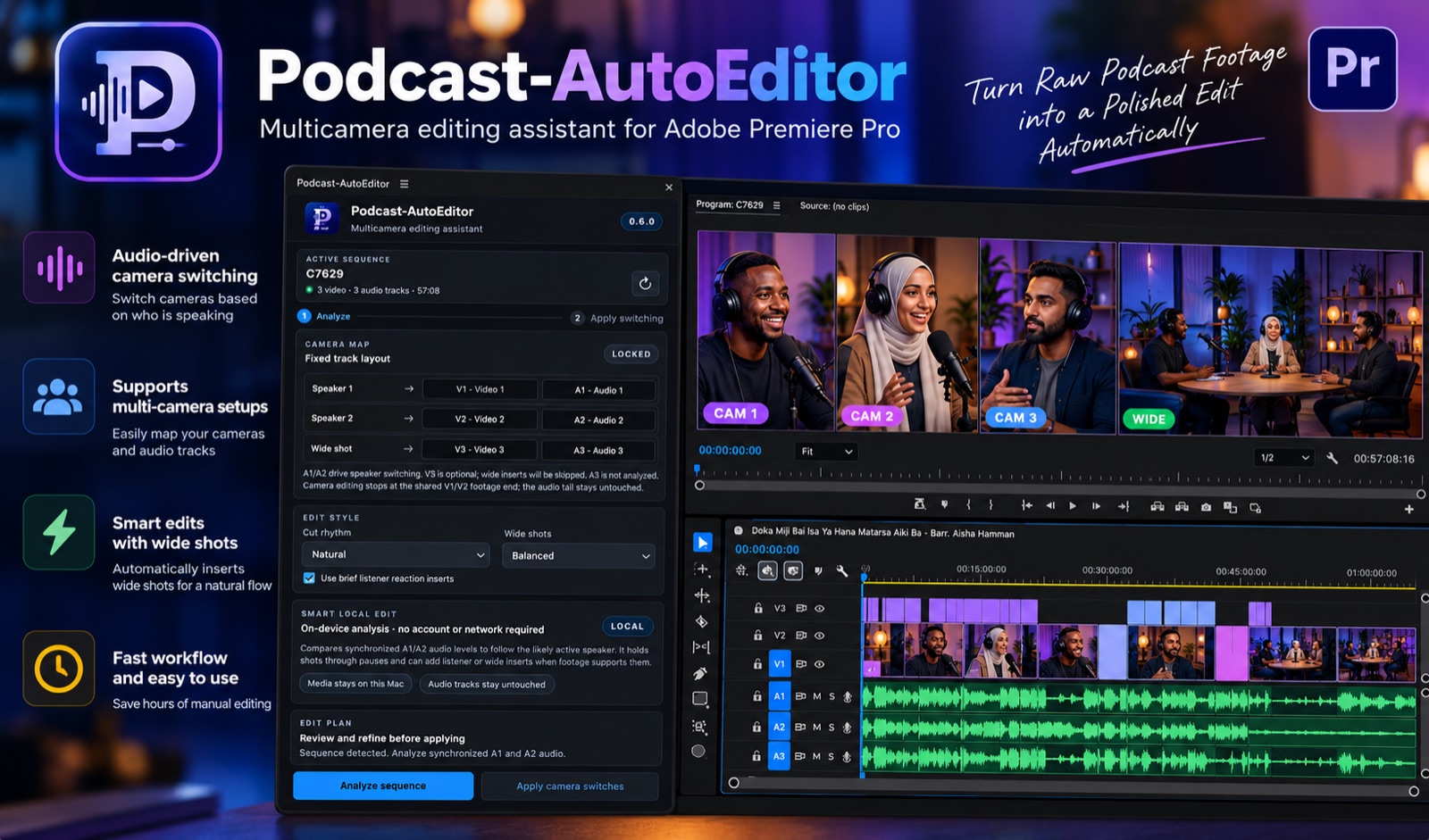
Three steps. One active sequence.
No importing audio. No account setup. You stay in Premiere and decide when the edit is ready.
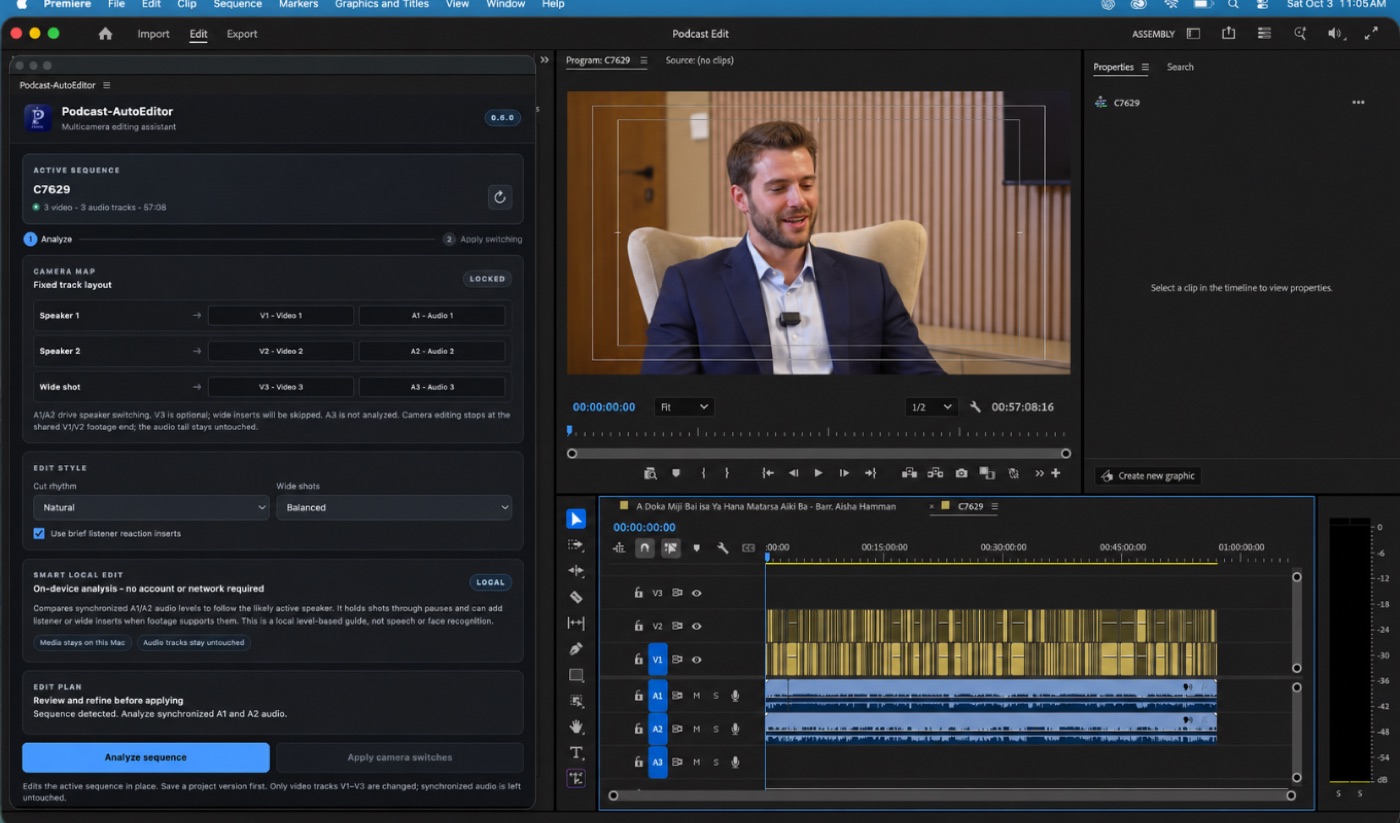
Prepare your multicamera sequence with Speaker 1 audio on A1 / video on V1 and Speaker 2 on A2 / V2. Add an optional wide camera on V3.
Open the panel and analyze the active sequence. Speaker activity is estimated from synchronized audio levels on your Mac.
Inspect the proposed camera changes, refine the edit feel, then apply the switches to the existing sequence.
The track layout is fixed in this release. A3 is not analyzed; all audio tracks remain unchanged.
Private by design
Analysis happens locally on your Mac. Podcast-AutoEditor does not use an API, send audio to a cloud service, or require an account. Temporary audio conversions are removed after analysis.
Read the privacy detailsNo cloud audio upload
No API key or account
Audio clips stay untouched
Simple annual pricing
One annual subscription, purchased through Adobe Exchange. Adobe handles checkout and subscription management.
$15/ year
Annual subscription · Adobe Exchange
The purchase link will be added after Adobe approves the listing.
Good to know
Set up your sequence once, then keep the camera edit focused on the conversation.
Yes. The panel detects the active sequence and works from the synchronized tracks already in it. The 0.6.0 CEP release applies the camera edits to that sequence.
Speaker 1 is mapped to A1/V1, Speaker 2 to A2/V2, and an optional wide camera to V3. The two speaker audio tracks should be synchronized with their corresponding continuous camera footage.
No. The edit analysis runs locally on macOS without an API, account, or cloud service. Temporary conversions used for some media types are removed after analysis.
This 0.6.0 release supports macOS and Adobe Premiere Pro 25.0–26.2 with CEP panel support. It does not support Windows or custom track mapping.
No. Applying the edit changes the camera picture edits. Audio tracks remain in the sequence unchanged.
Made for the people behind the mic